
How to use Asdbuy, step by step
The two jobs are separate: the spreadsheet finds the item, and Asdbuy buys, checks and forwards it. This walkthrough follows one order the whole way — from copying a link on W2CSpreadsheet to receiving the parcel — with the thing to verify at each step so nothing surprises you. It never quotes prices, fees or delivery times; confirm those live on Asdbuy.
One order runs the same path: find a link, paste it into Asdbuy, pay for the item, review the grade-check photos, then consolidate and ship.
- The spreadsheet finds the item; Asdbuy buys, checks and forwards it.
- You pay for the item first, then for international shipping at the parcel stage.
- Check the QC photos before you approve the parcel to ship.
- Prices, fees and delivery times are shown live on Asdbuy — confirm there.
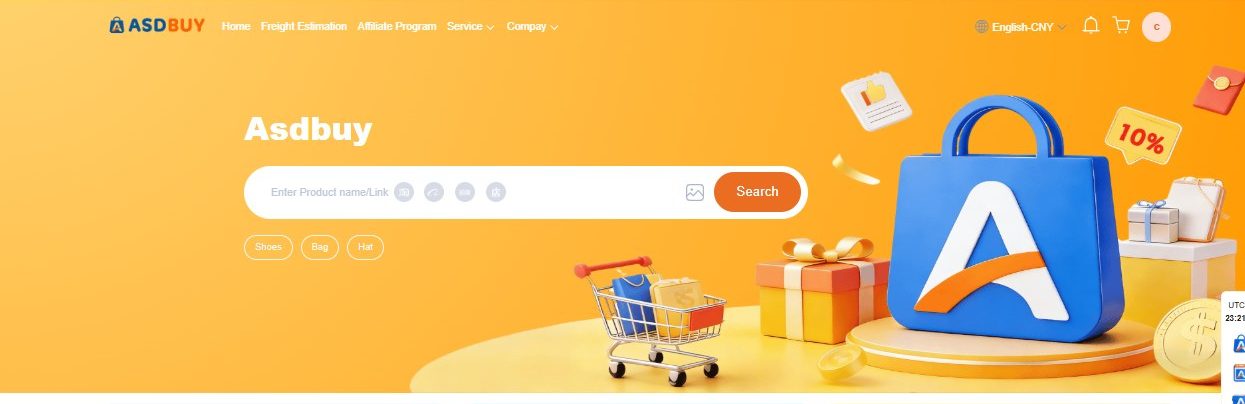
Find an item on W2CSpreadsheet
Start where discovery happens. Browse the catalog by category for buying notes, or run a keyword search on W2CSpreadsheet search ↗. The spreadsheet only lists items — it does not take payment or ship anything.
Open the listing and copy its link
Click through to the category, search result or product you want. When you land on the seller's product page (Taobao, 1688, Xianyu or Weidian), copy the full URL from your browser's address bar. That link is what Asdbuy needs to buy the exact item.
Paste the link into Asdbuy — or use image search
Create an Asdbuy account, then paste the link into its buy box. No link, only a picture? Asdbuy also offers text and image/photo search, so you can upload a screenshot to find a match. Double-check the colour, size and variant on the listing before you continue.
Pay for the purchase
Asdbuy funds the buy for you. You can top up a wallet or pay with an international credit card. The item price plus a service and domestic-shipping charge is settled here — confirm the current amounts on Asdbuy, since this guide can't quote live fees.
Wait for the seller to ship to the warehouse
The Chinese seller sends your item to Asdbuy's warehouse inside China, not straight to you. Track this stage in your Asdbuy orders. Second-hand Xianyu buys can take longer to confirm, so leave a little extra time there.
Review the grade-check photos
Once it arrives, Asdbuy photographs the item. Compare colour, size tag and model against what you ordered, and look for obvious defects. Remember a grade check is a visual check, not proof of authenticity — see what checks can and can't confirm and request extra photos if unsure.
Submit the parcel and choose a shipping line
Move the checked item into a parcel, add any others you want to consolidate, then use Asdbuy's Freight Estimation tool to compare shipping lines to your country. Read how freight and transshipment work before you pick — lines differ in speed, cost and what they allow.
Pay international shipping
After you choose a line, pay the international freight for the packed parcel. Final weight and dimensions decide this, so it can differ from an early estimate. Confirm the quoted line and price on Asdbuy before you commit — and check any current customs or tax notes for your region.
Track and receive
Follow the tracking Asdbuy provides as the parcel leaves China and enters your local network. Be ready for possible customs handling or duties on arrival, which depend on your country's rules, not on Asdbuy.
Keep your records and contact support if needed
Save your order numbers, grade-check photos and receipts in case of a claim. If something is wrong or delayed, reach Asdbuy through its Discord community or by email at [email protected] — having your records ready makes any request faster.
Always confirm live: service fees, wallet and card options, freight prices and available shipping lines change over time — and can be affected by things like the EU small-package tax change from 1 July 2026. Check the current details on the official Asdbuy site before you pay. See what recently changed →
Last reviewed: 2026-07-26 · Independent guide · Confirm live details on asdbuy.com